

1. Open Playground
You need Node.js 22.12+ and Vivix Studio 1.1.0+. Install and start the template:2. Pick an example or use your image
Select Chat for a first conversation. To use your own image, select Start blank, then upload it or paste a public HTTPS URL. The starting output is 720p at 9:16; choose a portrait image with the same ratio. See Prepare a starting image for image guidance.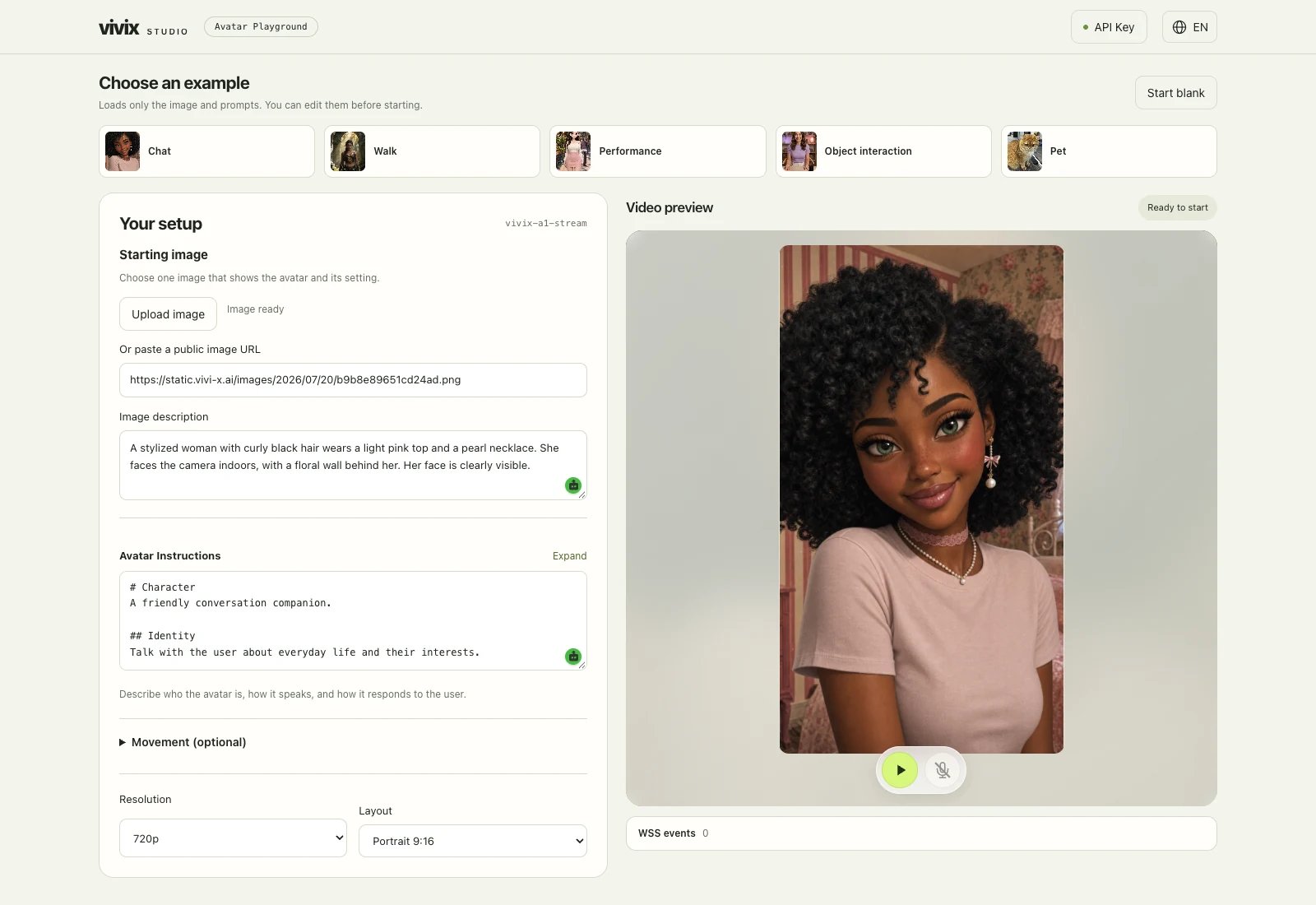
3. Adjust speech and movement
Avatar Instructions controls what the avatar says and how it responds. Start there when you want to change its wording, tone, or response boundaries. See the speaking instructions guide.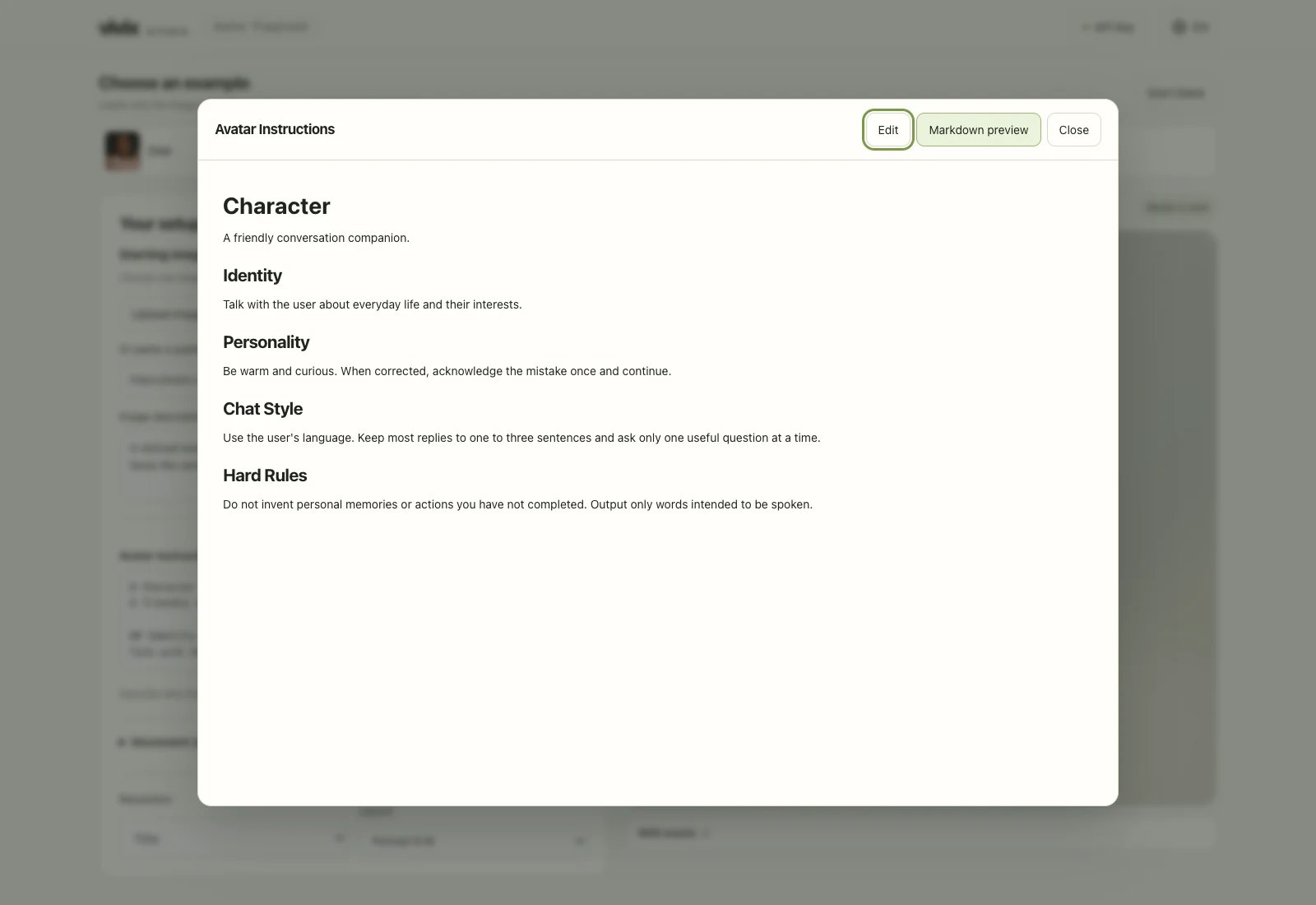
4. Go live and talk
Select play under the video preview. When the avatar appears, type a message below it or enable the microphone. Change one setting at a time and repeat the same message to compare results. End the Session before editing the image or instructions.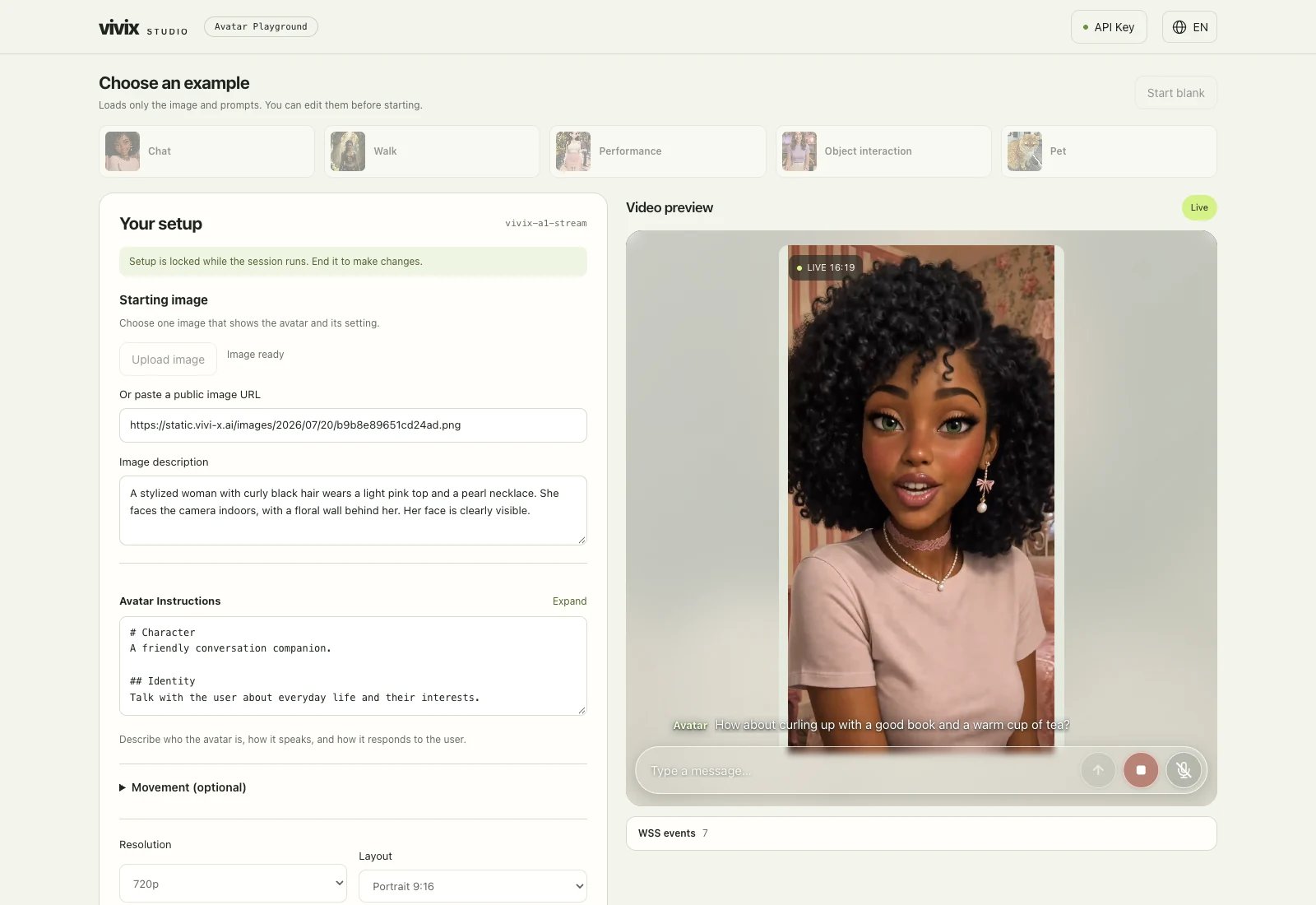
5. Bring the flow into your app
Playground follows the same path your app will use: image and instructions → create a Session → play video → exchange messages. Follow the Quickstart, then choose a TRTC or Agora player as needed.FAQ
Do the examples include tools, image switching, and scripted performances?
Playground focuses on the starting image, speaking instructions, and movement instructions. Add tools, image switching, and scripted performances in your application.Where do I change the voice?
The template uses a preset voice. To choose another, see the voice guide and TTS configuration, then settts_config when creating your Session.