

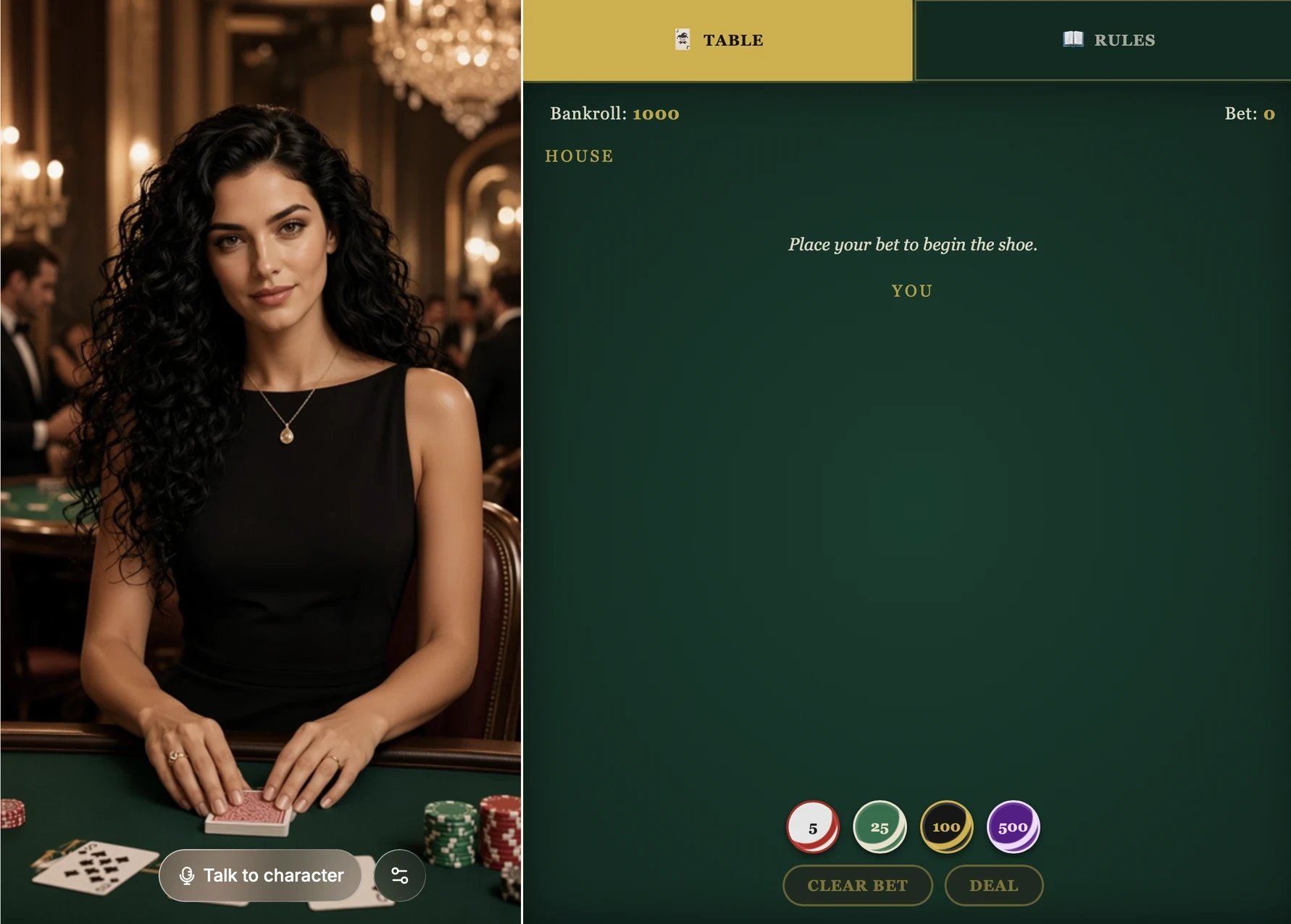
Vespera's blackjack table. Players place bets themselves, and Vespera deals the cards.
Create an app
1
Describe the app in the chat
Open your character’s project and tell the agent what you want. It helps to cover four things:
- What it looks like: the layout, the main elements, and the visual style.
- How it works: the rules, and how things like the score change.
- What viewers do: the buttons they click or the words they type.
- What the character does: which moves the character makes itself, and how it reacts to viewers.
2
Check it in the Game preview
When the app is ready, a Game preview card shows up in the chat. Click Open preview to try the app on its own. This doesn’t start a conversation or use credits.
3
Play it with the character
Open the Live preview panel and click Talk to character. Ask the character to make a move, and click through the app yourself to see how it reacts.
4
Keep improving it
Tell the agent what to change, such as the layout, the rules, or how the character reacts. After each change, a new Game preview card appears so you can check it before trying it live.
Example: a mini game with a pet
The Toffee template suggests this request. It creates a complete game:More ideas
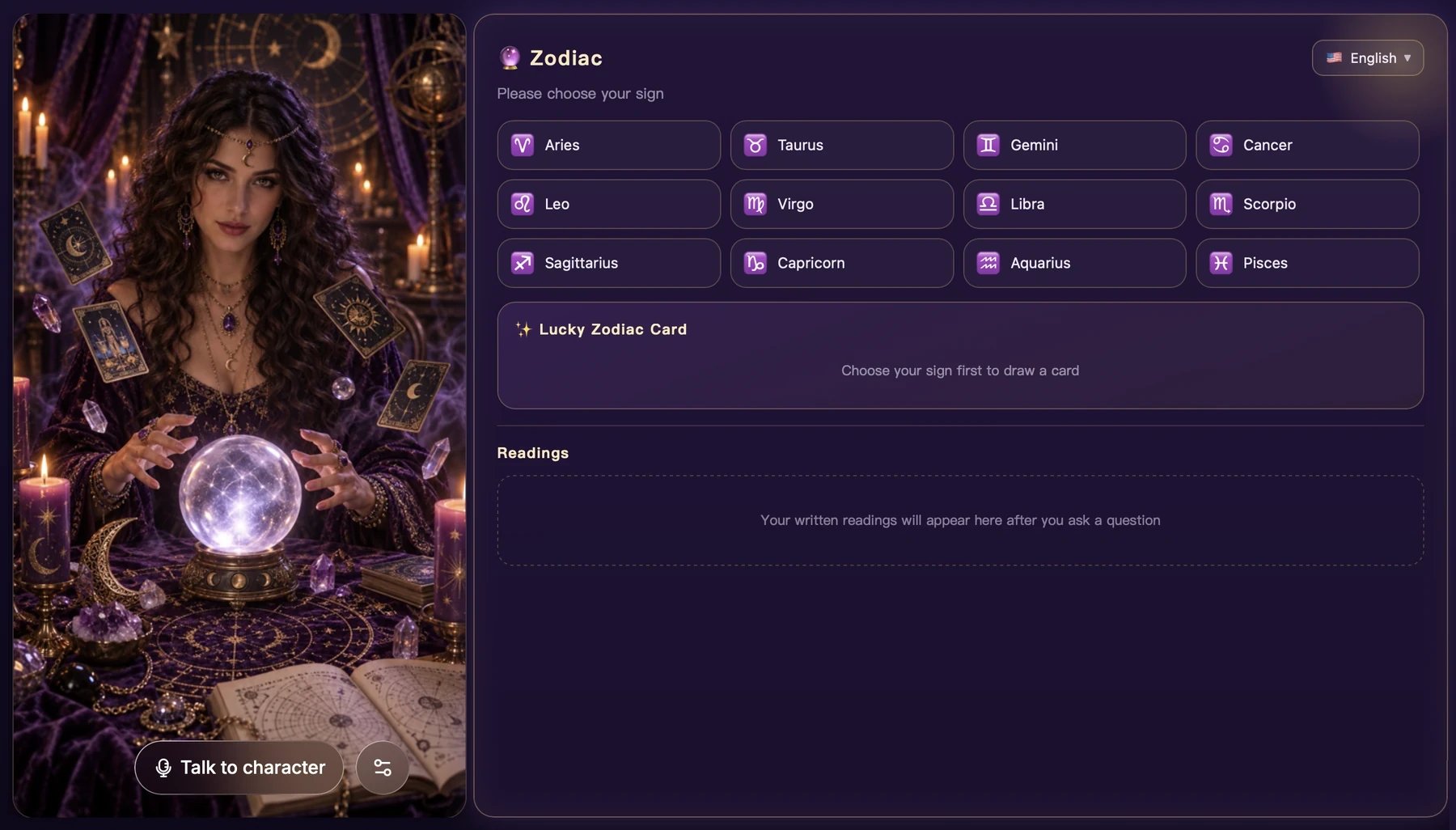
A zodiac app: viewers pick their sign to draw a lucky card, and readings appear after they ask the character a question.
An app changes what’s shown in the panel next to the character. If you also want the character’s own scene or outfit to change when a viewer picks something, say so in your request. See Perform specific content.