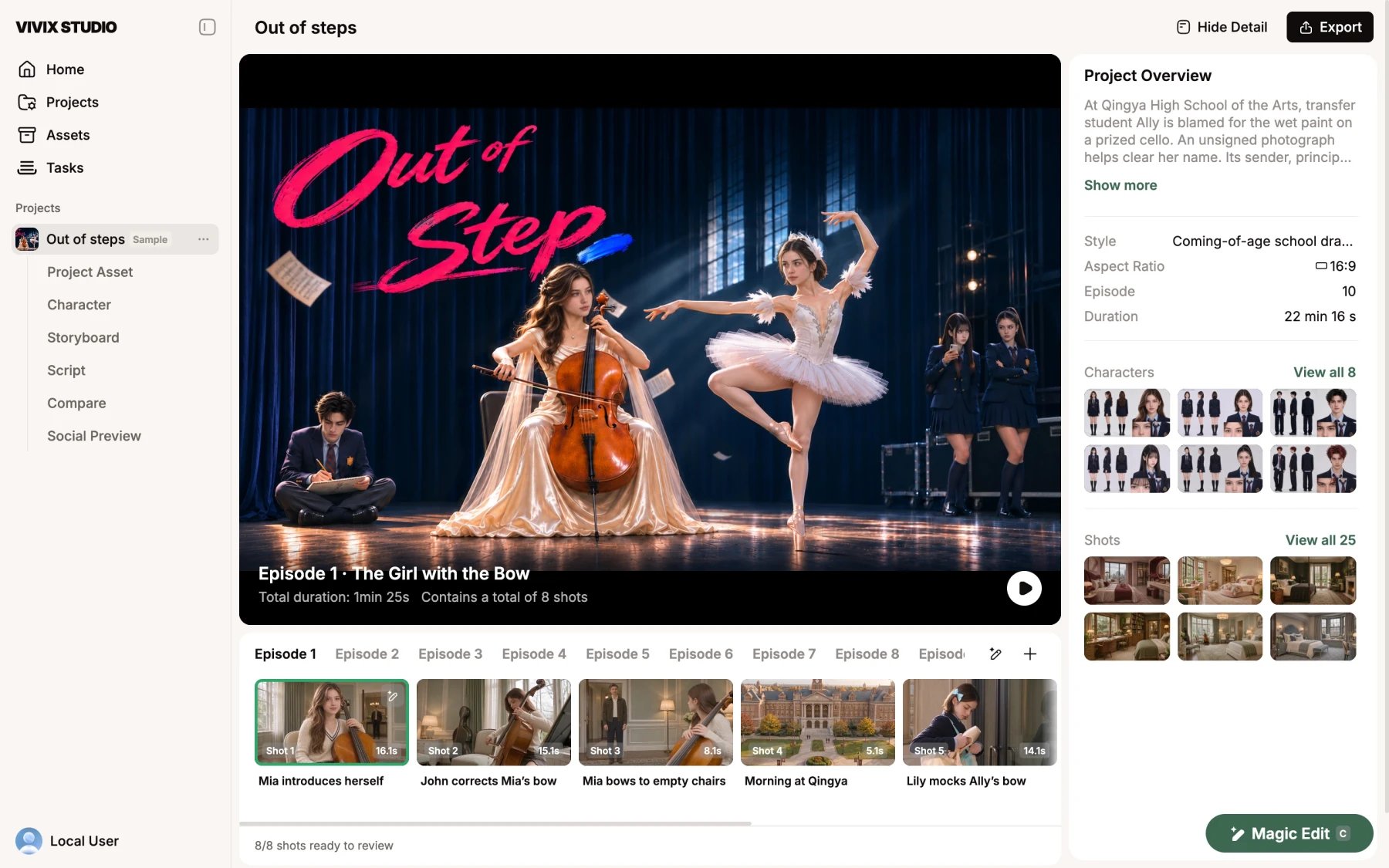
Results appear in Studio as they’re made. Ask the agent to open it. Home lists your projects, Assets holds every image, voice, and video, and Tasks shows each generation and its status.

Project pages

Project home of Out of Step

Project home of Out of Step

Point at it and say what to change

  1. Click Magic Edit at the bottom right.
  2. Click something on the page, or draw a box around it.
  3. Type what to change, click Copy prompt, and paste it into the chat.
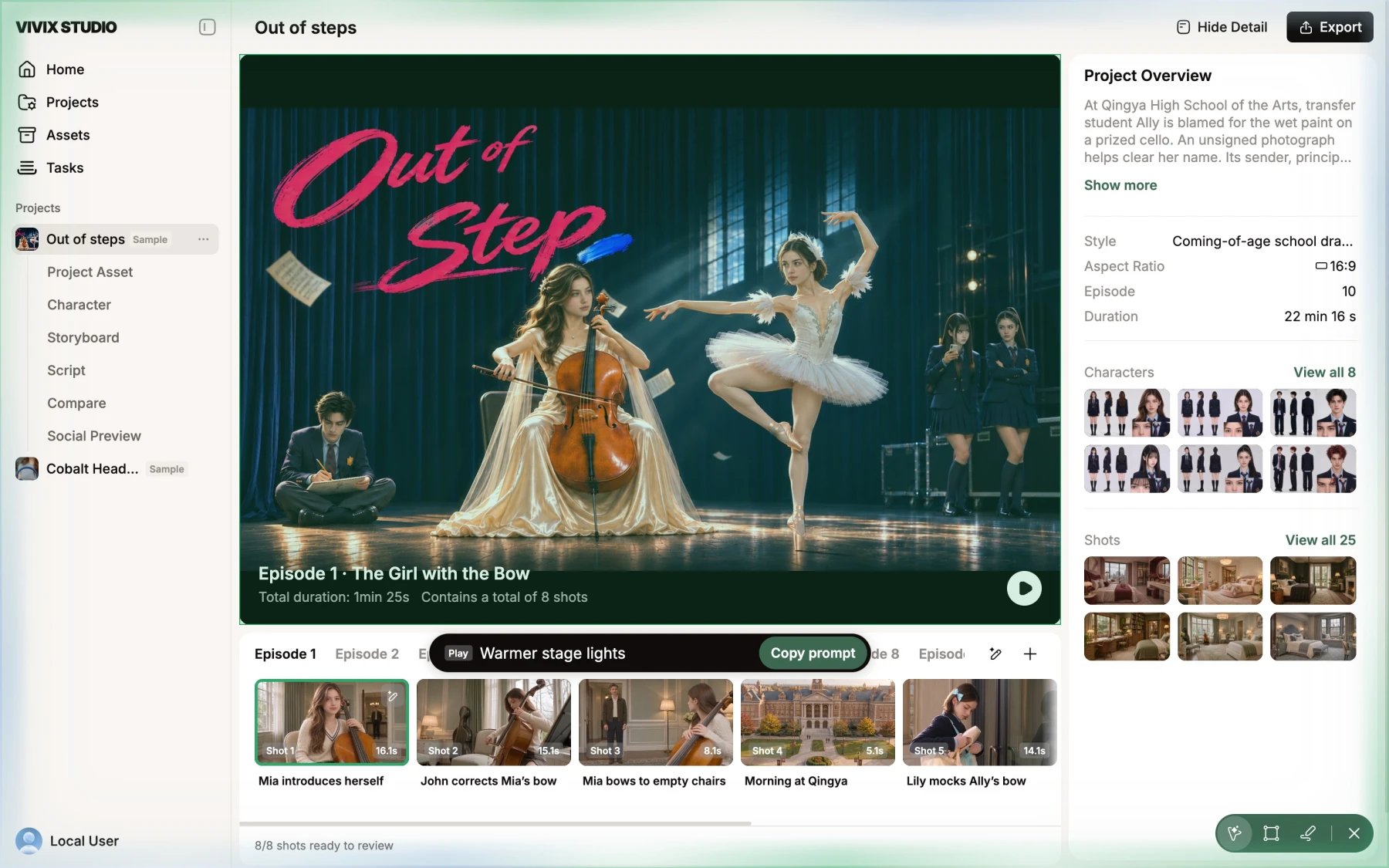
Magic Edit with the episode player selected and a note typed in the box below it

Magic Edit with the episode player selected and a note typed in the box below it

Or just tell the agent
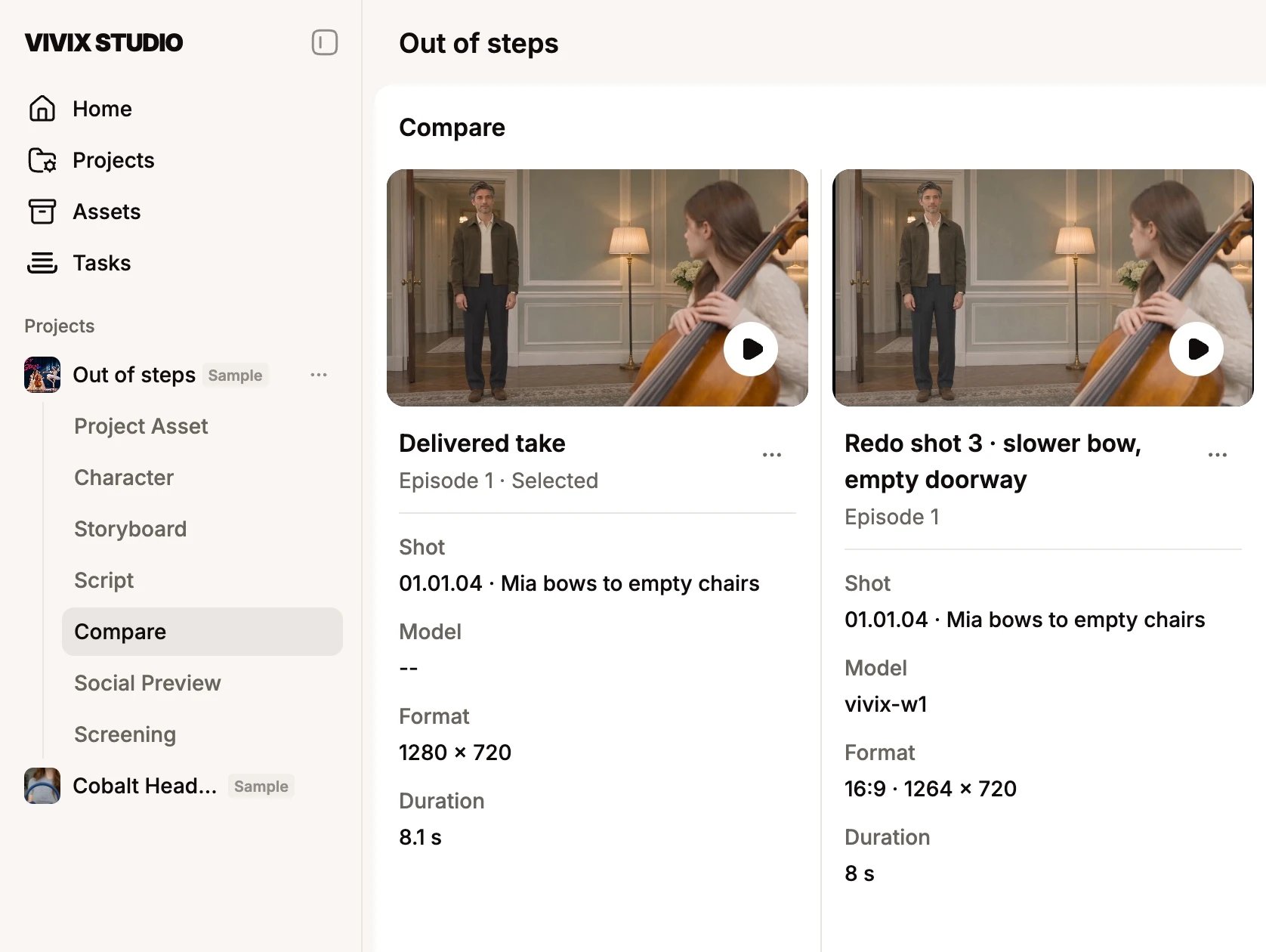
For an ad: “In version B, show the bottle in the first second.” Or: “Give me two more versions, completely different from these.” A redo becomes a new take next to the old one, so you can always go back. Open Compare to choose.
Compare page with the delivered take of shot 3 next to the redo

Compare page with the delivered take of shot 3 next to the redo