

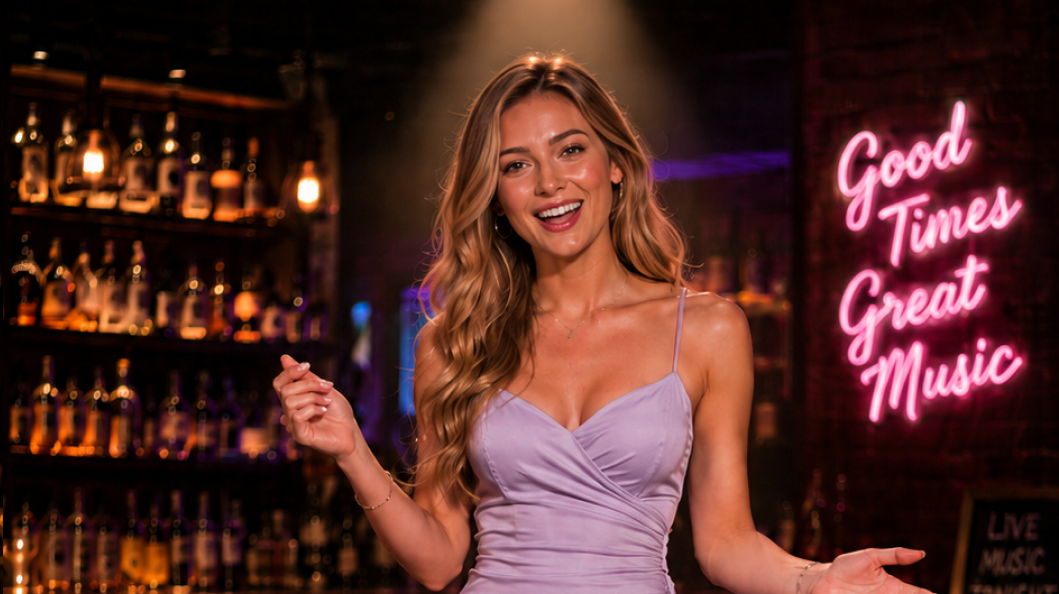
Full-Body Live Performance
Create full-body performers that move, interact with their surroundings, and respond live.
Creating the Session: Differences from the Claire Scenario
The session creation request has exactly the same structure as the Customer Support scenario — create the session withPOST /v1/realtime-avatar/sessions, then use the response to join the TRTC media stream and connect to the WSS control channel. Only the material differs. To let the avatar perform full-body motion, the reference image must be a full-body shot — Sienna’s reference image is a centered full-body shot at center stage. Configure her session voice with the top-level pipeline_config.tts_config field; keep voice configuration out of the avatar object:
Use the same media and Control connection order as the Claire scenario: enter TRTC and subscribe only to publisher_user_id first, then append token=<control.client_secret> to the returned control.url and open the browser Control WSS. Do not connect to the original URL without the token, and do not name the query parameter client_secret. Trigger response.script only after both channels are ready.
Request body excerpt
Core Capability: response.script
response.script renders avatar output that you specify directly. It bypasses the LLM: the model never rewrites your lines, calls tools, or consults response.instructions. Constraints and defaults:
- Once
scriptis set,input,instructions,tools, andmax_output_tokenscannot be sent in the same request. scriptdefaults to the currentsession.active_avatar_id, the session voice frompipeline_config.tts_config, and the current source image.- If the performance should not be written into the default conversation, pass
"conversation": "none".
Sing and Dance
script.vocal carries an audio clip (the full song), and script.visual.prompt describes the dance moves:
response.create — sing and dance
Fixed Line and Motion
Switchvocal.type to speech and pass the line as text; the session voice configured in pipeline_config.tts_config synthesizes it:
response.create — fixed line
"conversation": "none":
response.create — out-of-band line
Motion Only, No Speech
Provide onlyvisual inside script and the avatar performs the motion in silence — useful for keeping Sienna moving to the music between numbers:
response.create — motion only
Writing Motion Prompts
Writevisual.prompt as natural English describing continuous, concrete motion, one prompt per duration_ms. For long performances, split the choreography into shots: Sienna’s dance material uses one motion prompt per shot of roughly five seconds, and each segment repeats the key constraints — stay on a fixed mark, keep the steps small, never move toward or away from the camera — so the motion stays stable over long stretches. A shot description used in production:
scheduling_policy: "after_current_response" to queue them into one complete dance. Note that at most one response can be queued at a time — wait until the previous segment starts playing before submitting the next (see scheduling_policy in Client events). For more on writing motion prompts, see Script speech and performances.
Queueing and Interruption: scheduling_policy and response.cancel
Live shows constantly hit the case where the next request arrives before the current dance is over. Control the conflict behavior withresponse.scheduling_policy:
When a viewer switches songs or calls off the performance, cancel the in-flight response with
response.cancel — omit response_id to cancel the current response, or pass one to cancel a specific response:
response.cancel
response.done with response.status set to "cancelled". If there is no cancellable response at the moment, the server returns an error.
Event Sequence
The send and receive order for one sing-and-dance performance. This example drives the vocal directly with audio (vocal.type = audio), so there are no response.output_text.* events; for speech scripts, the lines are still delivered via response.output_text.* events (see Script speech and performances):
Next Steps
- Customer Support — the other sample case, focused on conversation, expression, and emotion: the full path from creating a session to writing user messages and having the avatar generate LLM replies rendered as realtime audio and video.
- Script speech and performances — scripted lines, performances driven by an audio file, and directed movement.
- Change outfits and scenes — switch the avatar image during a session.
- API References · Sessions — REST endpoints and parameter details.
- API References · Client events / Server events — the complete event mechanism.
- Streaming World — realtime interactive video worlds driven by the W-series models, coming soon.